Claude Code MCP Server Configuration (Production-Grade Guide)
A deep, practical guide to configuring MCP servers in Claude Code with security controls, rollout strategy, and troubleshooting checklists.

Why this guide exists
Most MCP setup guides are either too basic (“paste this JSON and done”) or too risky (“connect everything”). In real teams, MCP configuration is an operations problem, not just a syntax problem.
When people say “Claude Code is unstable,” the root cause is usually one of these:
- the wrong server set for the workload,
- unsafe permissions,
- profile mismatch,
- or no verification loop after configuration changes.
This guide is written in an editorial, production-first style: what to configure, in what order, and why.
TL;DR (for busy teams)
- Start with 3-core MCP servers: Filesystem, GitHub, Fetch.
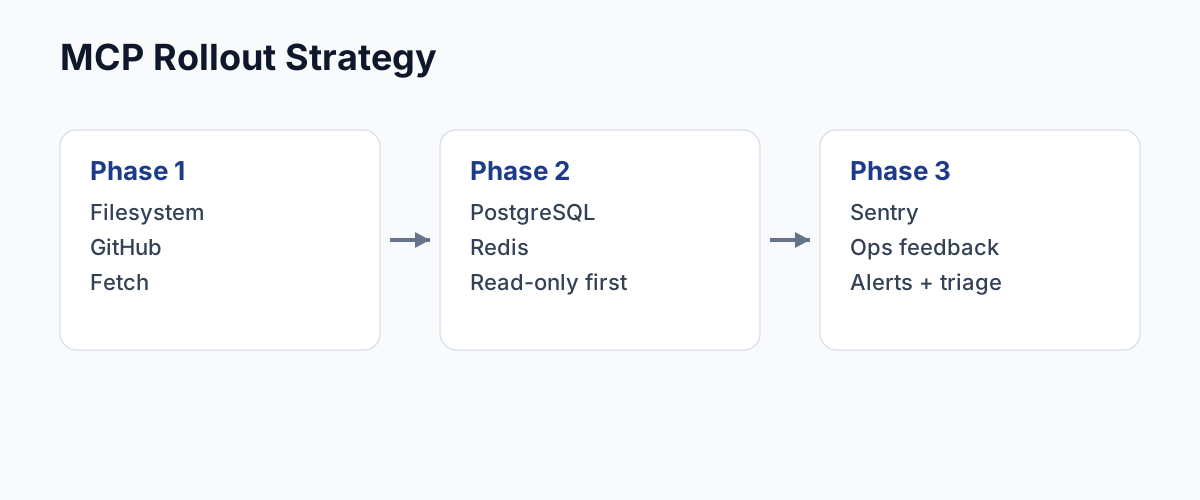
- Roll out in phases: baseline → data tools → ops tools.
- Use least-privilege credentials and read-only defaults where possible.
- Verify every server with one safe action before enabling write operations.
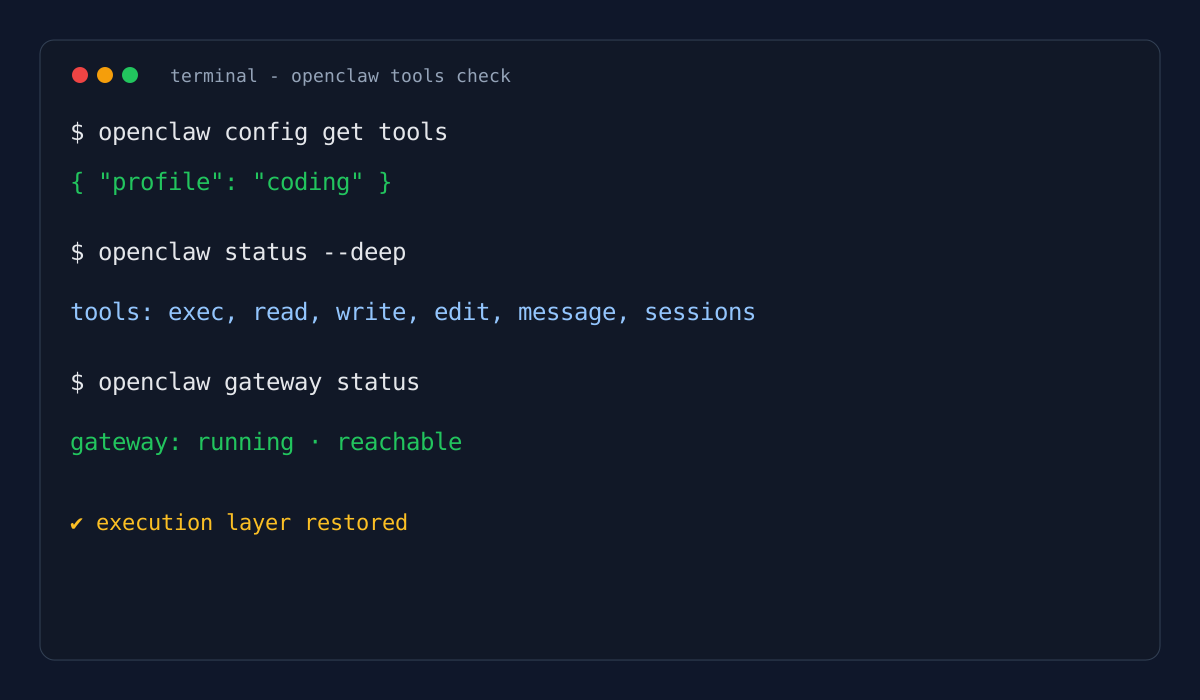
- If Claude Code “only chats” and does not execute tools, check tool profile/policy first.
What MCP adds to Claude Code (and what it does not)
MCP gives Claude Code standardized access to external tools and data sources. It is best thought of as an integration protocol layer:
- Filesystem access
- GitHub workflows
- Database reads
- API/tool invocation
It does not automatically make your workflow safe or deterministic. You still need:
- server-level permission boundaries,
- credential hygiene,
- and runtime verification.
Recommended rollout strategy (the part most teams skip)
Phase 1 — Shipping baseline
Install only:
- Filesystem (restricted paths)
- GitHub (scoped token)
- Fetch (documentation/context retrieval)
Why: This covers most coding workflows with manageable risk.
Phase 2 — Data confidence
Add:
- PostgreSQL / SQLite / Redis (read-only first)
Why: Useful when prompts require “verify with real data,” not just code edits.
Phase 3 — Ops visibility
Add:
- Sentry / monitoring tools
Why: closes the loop between generation and real-world failures.
Minimal configuration pattern
Use your client-specific MCP config path, but keep the shape clear and auditable.
{
  "mcpServers": {
    "filesystem": {
      "command": "npx",
      "args": ["-y", "@modelcontextprotocol/server-filesystem", "/path/to/project"]
    },
    "github": {
      "command": "npx",
      "args": ["-y", "@modelcontextprotocol/server-github"],
      "env": {
        "GITHUB_PERSONAL_ACCESS_TOKEN": "<token>"
      }
    },
    "fetch": {
      "command": "npx",
      "args": ["-y", "@modelcontextprotocol/server-fetch"]
    }
  }
}
Baseline rules
- Never start with 10+ servers at once.
- Add one server, test one capability, then proceed.
- Keep a rollback path (disable newest server first).
Security controls that matter in practice
1) Filesystem: explicit path boundaries
Do not expose your whole disk by convenience. Restrict to project paths.
2) GitHub: least privilege token
Use the narrowest token scope that still supports your workflow.
3) Databases: read-only by default
Write access should be a conscious escalation, not default state.
4) Stripe/payments/infra tools: staged enablement
Treat high-blast tools as production controls, not coding conveniences.
Verification protocol (copy this into team docs)
After every MCP change, run this 4-step check:
- Read check — can the agent read expected context?
- Write check — can it write in allowed scope only?
- Safety check — is blocked behavior actually blocked?
- Session check — does behavior persist in a new session?
If step 4 fails, suspect profile/runtime mismatch.
Common failure patterns and fixes
Symptom: “Agent only chats, no file actions”
Likely causes:
- messaging profile/policy active,
- narrowed tool profile,
- server not actually loaded in active session.
Symptom: GitHub MCP returns 403
Likely causes:
- token scope mismatch,
- org restrictions,
- wrong repo owner/name in call.
Symptom: DB MCP works once, then degrades
Likely causes:
- no query limits/timeouts,
- heavy scans from ambiguous prompts,
- connection config instability.
Symptom: Tool appears configured but action never happens
Likely causes:
- policy mismatch between config and runtime,
- multiple profile/state contexts,
- stale client session after config changes.
Editorial recommendation (opinionated)
If your team is new to MCP in Claude Code, optimize for stability over capability density.
A robust setup beats a flashy setup.
- 3 well-configured servers > 12 partially configured servers.
- deterministic behavior > occasional “wow” demos.
- explicit guardrails > implicit trust in model intent.
In short: treat MCP as production infrastructure, not a plugin gallery.
Related reads
- Best MCP Servers for Claude Code (2026)
- Fix OpenClaw No exec/read/write Tools
- Cursor vs Cline for Real Coding Work
Sources
- Anthropic Claude Code docs: MCP / settings / security
- Model Context Protocol docs (concepts + tooling)
- modelcontextprotocol/servers reference implementations